ChatGPT Vintage Photo Editing Prompt: Create a 90s Bollywood Retro Look
Give your normal photo a beautiful 1990s Bollywood-inspired vintage look using ChatGPT. Copy this free AI photo editing prompt to create warm golden lighting, nostalgic 35mm film effects, a cinematic outdoor background, and a professional retro portrait while preserving your original facial identity.
ChatGPT Vintage Photo Editing Prompt: Create a 90s Bollywood Retro Look
Want to give your normal photograph a beautiful 1990s Bollywood-inspired vintage look?
With the right ChatGPT photo editing prompt, you can transform an ordinary picture into a nostalgic cinematic portrait featuring warm golden sunlight, rich vintage colours, soft shadows, natural greenery, and an authentic 35mm film photography aesthetic.
In this guide, you will get a free ChatGPT vintage photo editing prompt that you can copy and use with your own uploaded photograph.
The prompt is designed to preserve your original facial identity while changing the overall photography style, background, lighting, and atmosphere.
What Will This 90s Retro Photo Editing Prompt Create?
This prompt creates a 1990s Bollywood-inspired vintage editorial photoshoot look.
The intended visual style includes:
Warm golden sunlight and natural highlights
Rich nostalgic colours
Authentic-looking 35mm film grain
Soft cinematic shadows
A vintage outdoor background with blurred greenery
Professional portrait photography
Shallow depth of field
Natural skin texture and realistic details
A timeless Bollywood-inspired editorial appearance
The prompt also instructs the AI to preserve the person's original face, hairstyle, beard, skin tone, and other recognizable facial features.
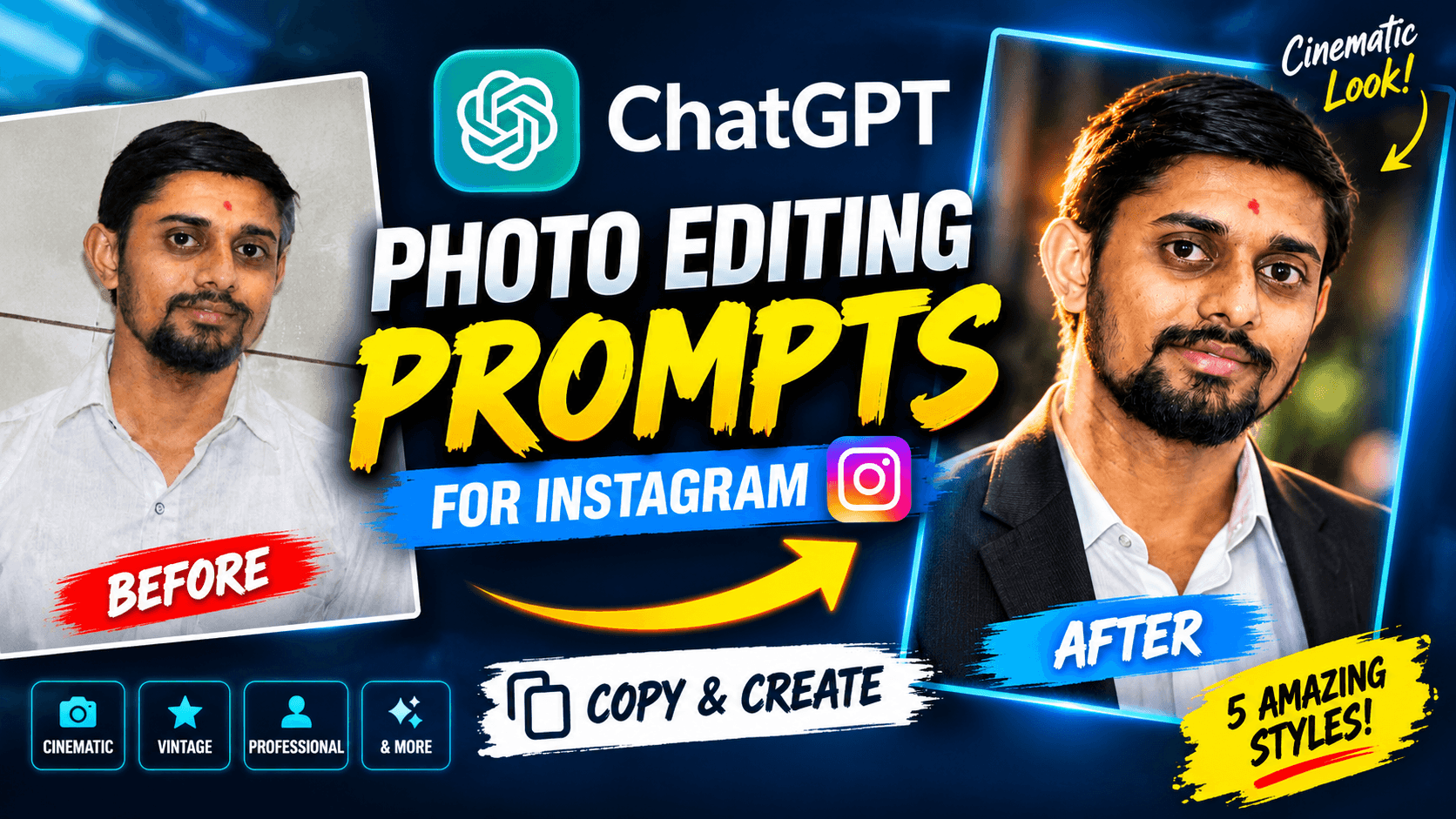
Before and After: Normal Photo to 90s Bollywood Retro Look
Start with your normal photograph and use the prompt below to guide the transformation.
The intended result is a portrait that feels like a photograph from a classic 1990s film-era photoshoot, with warm light, nostalgic colours, and a naturally cinematic background.
The final result may vary depending on the original photograph and the image-generation model.
Free ChatGPT Vintage Photo Editing Prompt (Copy & Use)
Here is the complete prompt used for this 90s Bollywood-inspired photo transformation.
PROMPT:
Transform the uploaded photo into an exceptionally beautiful, photorealistic 1990s Bollywood-inspired vintage editorial photoshoot.

IDENTITY PRESERVATION IS THE TOP PRIORITY: Keep the exact same person recognizable. Preserve the original facial identity, face shape, eyes, nose, lips, hairstyle, beard and natural skin tone. Do not replace or redesign the face.

STYLE AND PHOTOGRAPHY:
Create a sophisticated 1990s film photography aesthetic with warm golden sunlight, rich nostalgic colors, subtle authentic 35mm film grain, soft cinematic shadows and beautiful natural highlights.

WARDROBE:
Keep the original person's shirt and enhance its appearance with elegant, naturally realistic fabric details. Do not introduce unnecessary costume changes.

BACKGROUND:
Replace the plain indoor wall with a beautiful vintage outdoor setting featuring softly blurred greenery, warm sunset light and a natural cinematic atmosphere.

CAMERA:
Professional 85mm portrait photography, shallow depth of field, beautifully balanced composition, realistic skin texture, premium editorial photography.

FINAL RESULT:
A stunning, timeless 1990s Bollywood-inspired portrait that looks like an authentic photograph taken on a professional film camera. High detail, natural proportions, elegant and visually captivating.

Avoid cartoon effects, artificial skin smoothing, exaggerated facial features and identity changes.
Important: Use the complete prompt rather than copying only the style description. The identity-preservation instructions are an important part of this particular transformation.
How to Use This Vintage Photo Editing Prompt in ChatGPT
Follow these steps to create your own retro portrait.
Step 1: Open ChatGPT
Open ChatGPT on your mobile phone or computer.
Step 2: Upload Your Photo
Select a clear photograph that you want to transform. A picture with a clearly visible face is a useful starting point.
Step 3: Copy the Vintage Prompt
Copy the complete 90s Bollywood retro photo editing prompt from this page.
Step 4: Paste the Prompt
Paste the prompt into ChatGPT along with your uploaded photograph.
Step 5: Generate Your Retro Portrait
Send your request and allow ChatGPT to process the image. Review the result and request adjustments if necessary.
Tips for Getting a Better 90s Bollywood Vintage Look
Use a clear original photograph
A clear face and good source-image quality can help the AI interpret facial details more effectively.
Keep the original clothing instructions
This prompt specifically asks the AI to retain the original person's shirt while enhancing its fabric appearance. This helps keep the overall transformation focused on photography style rather than unnecessary wardrobe changes.
Maintain the warm vintage atmosphere
Golden sunlight, nostalgic colours, subtle film grain, and soft shadows are the main visual elements of this particular look.
Avoid excessive editing
If the generated image changes the face too much, ask ChatGPT to restore the original facial structure and natural skin details while retaining the vintage photography style.
Try a follow-up adjustment
You can ask ChatGPT:
"Make the golden sunset lighting slightly warmer and enhance the authentic 35mm film photography look. Keep the same face, hairstyle, beard, natural skin tone, and original clothing."
Where Can You Use a 90s Bollywood Retro Portrait?
This vintage photography style can be useful for:
Instagram posts and profile photographs
Vintage-themed social media content
Personal photography projects
Creative portrait collections
Nostalgic photo edits
YouTube thumbnails and visual content
Personal branding and editorial-style photographs
Choose the image format and composition according to the platform where you want to use the final photograph.
Why Is Identity Preservation Important in AI Photo Editing?
When editing a personal photograph, the objective is often to change the style without changing the person.
A good photo editing prompt should clearly explain which elements can change and which should remain consistent.
In this prompt, the background, lighting, colour grading, and photographic atmosphere can be transformed. The original facial identity, face shape, eyes, nose, lips, hairstyle, beard, and natural skin tone are specifically identified as features to preserve.
However, AI image editing cannot guarantee perfect identity preservation in every result. Always review the final image before sharing or using it professionally.
Frequently Asked Questions
How can I create a 90s Bollywood retro photo using ChatGPT?
Upload your photograph to ChatGPT, copy the vintage photo editing prompt from this page, and send it with your image. The prompt guides the image transformation towards a nostalgic 1990s Bollywood-inspired photography style.
Which ChatGPT prompt is best for vintage photo editing?
The prompt on this page is designed for a 90s Bollywood-inspired editorial portrait, featuring warm golden sunlight, 35mm film grain, soft cinematic shadows, and a vintage outdoor background.
Can ChatGPT give my photo a 1990s film camera look?
ChatGPT's image capabilities can help create a vintage film-inspired appearance using instructions for colour grading, film grain, lighting, and photography style.
Will this prompt change my original face?
The prompt specifically instructs the AI to preserve the original person's facial identity and recognizable features. However, exact facial preservation cannot be guaranteed.
Can I keep my original clothes while creating a vintage look?
Yes. This prompt specifically instructs the AI to retain the original person's shirt and enhance its appearance with realistic fabric details instead of introducing unnecessary costume changes.
Can I use this prompt for Instagram photos?
Yes. You can use the generated portrait for Instagram posts or profile images. If you need a specific composition, you can request a suitable crop or aspect ratio in a follow-up instruction.
Can I use this vintage photo editing prompt for free?
You can copy the prompt from this page for free. Image generation availability and usage limits depend on your ChatGPT plan and current features.
Explore More Free ChatGPT Photo Editing Prompts
Enjoy experimenting with different AI photo editing styles?
Explore more practical prompts and tutorials on the NikStone Digital Blog.
You can also try our ChatGPT cinematic professional portrait prompt to transform a normal photograph into a dramatic professional studio portrait.
New AI photo editing ideas and creative prompts will help you experiment with different photography styles.
Try this 90s retro prompt with your own photograph and create your vintage-inspired portrait!