LinkedIn Profile Photo AI Prompt: Create a Professional Headshot with ChatGPT
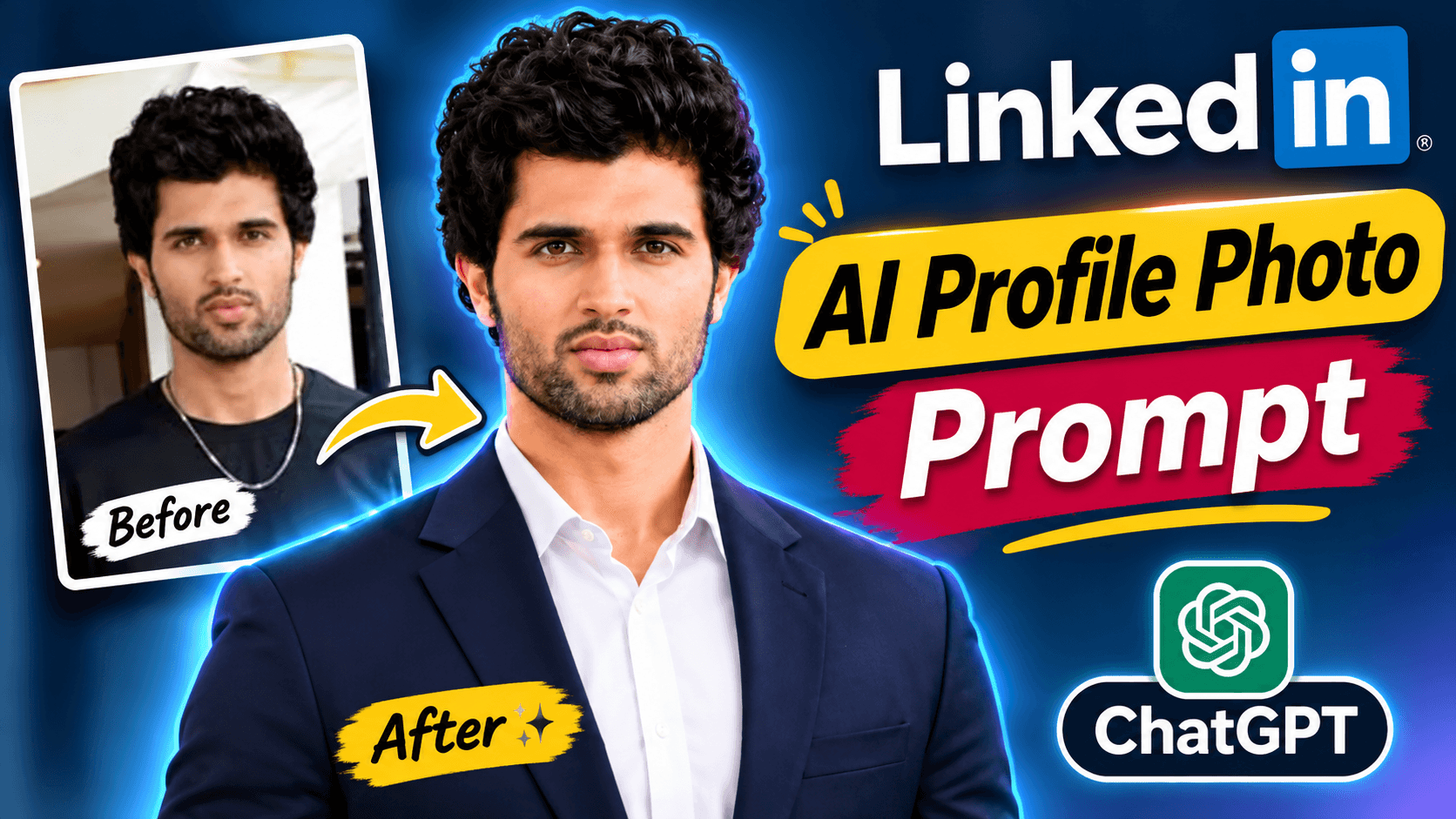
Turn your normal photo into a professional LinkedIn profile picture using this AI prompt. Copy the free prompt to create a polished corporate headshot with professional clothing, studio lighting, a clean background, and your original facial identity preserved.
LinkedIn Profile Photo AI Prompt: Create a Professional Headshot with ChatGPT
Want to turn your normal selfie into a professional LinkedIn profile picture?
Your profile photo is an important part of your professional online presence. A clean, confident headshot can help your LinkedIn profile look more polished and consistent with your career or business identity.
You can use ChatGPT's image capabilities with a detailed LinkedIn profile photo AI prompt to transform an ordinary photograph into a professional corporate-style portrait.
In this guide, you will get a free, ready-to-use AI prompt. Upload your photo, copy the prompt, and create a professional-looking headshot while asking the AI to preserve your original facial identity.
What Will This LinkedIn Profile Photo AI Prompt Create?
This prompt is designed to transform an ordinary selfie or portrait into a premium corporate headshot suitable for professional platforms.
The intended result includes:
Professional business clothing
A clean corporate studio background
Soft and balanced studio lighting
Natural skin texture and realistic facial details
A confident and approachable expression
Sharp eye details and natural facial proportions
Centered upper-body portrait composition
Square 1:1 image format for profile use
The prompt also includes clothing guidance for men and women, with an emphasis on elegant, modern business attire.
Why Use an AI Professional Headshot for LinkedIn?
A professional headshot can help create a consistent visual identity across your professional profiles.
You may want to use a polished portrait if:
Your current profile photo is a casual selfie.
Your background is distracting.
You want a corporate-style portrait without arranging a studio photoshoot.
You need a consistent profile image for professional platforms.
You want to update your personal branding.
An AI-edited image can be a useful creative option, but it should still look like you. Avoid using an image that misrepresents your actual appearance or professional identity.
Free LinkedIn Profile Photo AI Prompt (Copy & Use)
Use the complete prompt below to transform your uploaded photograph into a professional corporate headshot.
PROMPT:
Transform the uploaded photo into an exceptionally realistic, premium-quality professional corporate headshot suitable for LinkedIn, business profiles, professional portfolios and company websites.

IMPORTANT: Use the uploaded photograph as the primary identity reference. Preserve the person's exact recognizable facial identity, face shape, eyes, nose, lips, eyebrows, hairstyle, facial hair, natural skin tone and authentic facial characteristics. Do not replace, redesign or alter the person's identity.

PROFESSIONAL APPEARANCE:

Create a confident, approachable and professional appearance with a natural, friendly expression. Maintain realistic facial proportions and authentic skin texture.

WARDROBE:

For men, use a perfectly fitted premium navy blue or charcoal business blazer with a crisp white or light blue formal shirt.

For women, use elegant professional business attire such as a tailored blazer with a sophisticated formal top.

Choose clothing appropriate to the person's original appearance and presentation. Keep the styling elegant, modern and professional.

BACKGROUND:

Replace the original background with a clean, sophisticated corporate studio background. Use a subtle light grey, soft beige or elegant neutral gradient. Keep it uncluttered and distraction-free.

LIGHTING AND PHOTOGRAPHY:

Use soft professional studio lighting, natural facial shadows, balanced exposure, sharp eye details, realistic skin texture and premium corporate portrait photography.

COMPOSITION:

Create a centered, upper-body professional portrait with the face clearly visible. Keep the head and shoulders comfortably inside the frame with sufficient space around the subject.

Use a square 1:1 composition suitable for LinkedIn profile pictures and professional social media profiles.

FINAL QUALITY:

The final image should look like a genuine professional corporate photoshoot captured by an experienced portrait photographer using a high-end DSLR camera and an 85mm portrait lens.

Maintain photorealism, natural proportions and a polished professional appearance.

DO NOT:

- Change the person's identity or facial features.
- Create artificial or plastic-looking skin.
- Add text, logos or watermarks.
- Create exaggerated beauty filters.
- Distort hands, shoulders or body proportions.

The final result must look authentic, trustworthy, confident and professionally photographed.
Important: Copy the complete prompt, including the identity-preservation and professional appearance instructions. These help communicate the intended result more clearly.
How to Create a LinkedIn Profile Photo Using ChatGPT
Follow these simple steps to create your professional headshot.
Step 1: Open ChatGPT
Open ChatGPT on your phone or computer and start a new conversation.
Step 2: Upload Your Photo
Choose a clear photograph in which your face is visible. A normal selfie or portrait can be used as the starting image.
Step 3: Copy the AI Prompt
Copy the complete LinkedIn profile photo prompt from this page.
Step 4: Paste the Prompt
Paste the prompt into ChatGPT along with your uploaded photograph.
Step 5: Generate Your Professional Headshot
Send the request and allow ChatGPT to process the image. Review the generated result to check the face, clothing, background, and overall composition.
Step 6: Make Final Adjustments
If necessary, ask ChatGPT to adjust the lighting, background, or clothing while keeping your original facial identity unchanged.
Tips for Getting a Better LinkedIn Headshot
Start with a clear photograph
A clear face with good visibility can give the image-editing model more useful information. Avoid heavily blurred or extremely dark photographs.
Choose professional-looking clothing
The prompt suggests navy blue or charcoal blazers with formal shirts for men, and elegant business attire for women. You can adapt the clothing instructions to suit your actual profession and personal style.
Keep the background simple
A light grey, soft beige, or neutral corporate background helps keep attention on the person rather than distracting surroundings.
Maintain a natural expression
A confident and approachable expression is generally suitable for a professional profile. Avoid exaggerated smiles or artificial facial changes.
Check the final crop
LinkedIn profile pictures are displayed at relatively small sizes in many places. Make sure your face remains clear and centered when the image is displayed as a small profile picture.
Avoid over-editing
A professional headshot should still represent your real appearance. Natural skin texture and recognizable facial details are more important than excessive beauty effects.
Who Can Use This LinkedIn Profile Photo Prompt?
This prompt can be useful for people who want to improve their professional online presence, including:
Job seekers and fresh graduates
Corporate employees
Entrepreneurs and business owners
Freelancers and consultants
Marketing and sales professionals
Students building their professional profiles
Content creators and personal brands
The prompt is designed for a general corporate portrait, so you can adapt the clothing and styling instructions to match your profession.
Can ChatGPT Create a Professional Headshot Without Changing Your Face?
This prompt specifically asks ChatGPT to preserve your recognizable facial identity, including your face shape, eyes, nose, lips, eyebrows, hairstyle, facial hair, and natural skin tone.
However, AI image editing cannot guarantee perfect identity preservation in every result. The outcome may vary depending on the original photograph and the image model's capabilities.
Always review the generated image carefully. Your LinkedIn profile picture should represent your actual appearance.
Frequently Asked Questions
How can I create a professional LinkedIn profile picture using ChatGPT?
Upload your photograph to ChatGPT, copy the LinkedIn profile photo AI prompt from this page, and send it with your image. The prompt guides the AI towards a professional corporate headshot style.
Which AI prompt is best for a LinkedIn profile photo?
The prompt on this page is designed for a professional corporate headshot with business clothing, clean background, soft studio lighting, and natural facial details.
Can ChatGPT turn a selfie into a corporate headshot?
ChatGPT's image capabilities can help transform an uploaded selfie into a corporate-style portrait. The result depends on the original photo and the image model's capabilities.
Can I use this prompt for both men and women?
Yes. The prompt includes separate wardrobe guidance for men and women while focusing on a professional and natural appearance.
Will this AI prompt preserve my original face?
The prompt specifically instructs the AI to preserve the person's recognizable facial identity and facial characteristics. However, exact identity preservation cannot be guaranteed.
What background is suitable for a LinkedIn profile picture?
A clean, neutral background such as light grey, soft beige, or a subtle gradient can work well for a professional headshot.
Can I use this AI-generated photo on LinkedIn?
You can use an AI-edited portrait if it accurately represents your appearance and complies with the platform's current policies. Avoid presenting an altered image in a way that misleads people about your identity or professional qualifications.
Can I copy this LinkedIn profile photo prompt for free?
Yes. You can copy the complete prompt from this page for free. Image generation availability and usage limits depend on your ChatGPT plan and current product features.
Explore More Free ChatGPT Photo Editing Prompts
Want to experiment with more AI photo editing styles?
Try these other free prompt guides from NikStone Digital:
Explore more practical AI tutorials and creative resources on the NikStone Digital Blog.
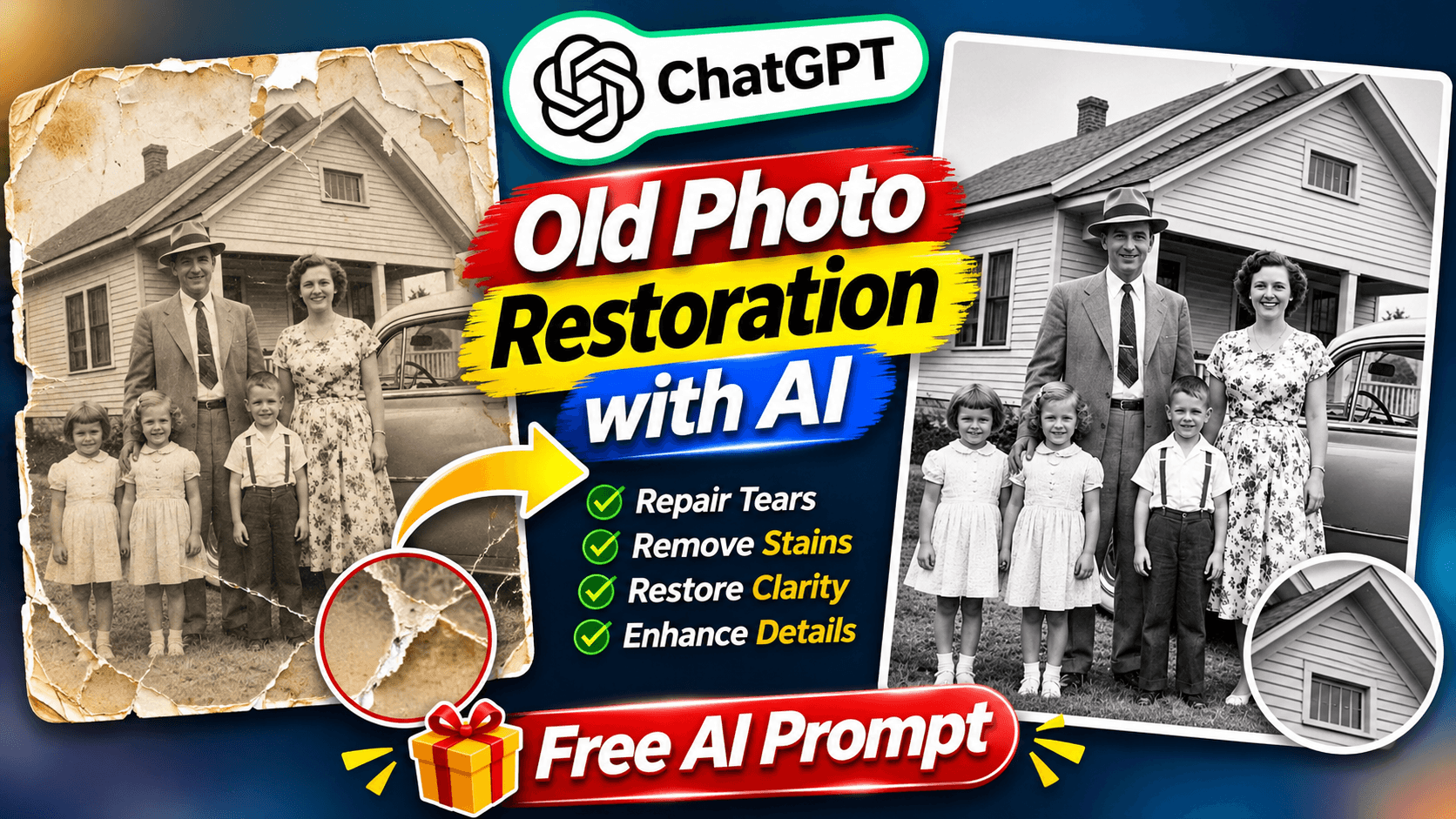
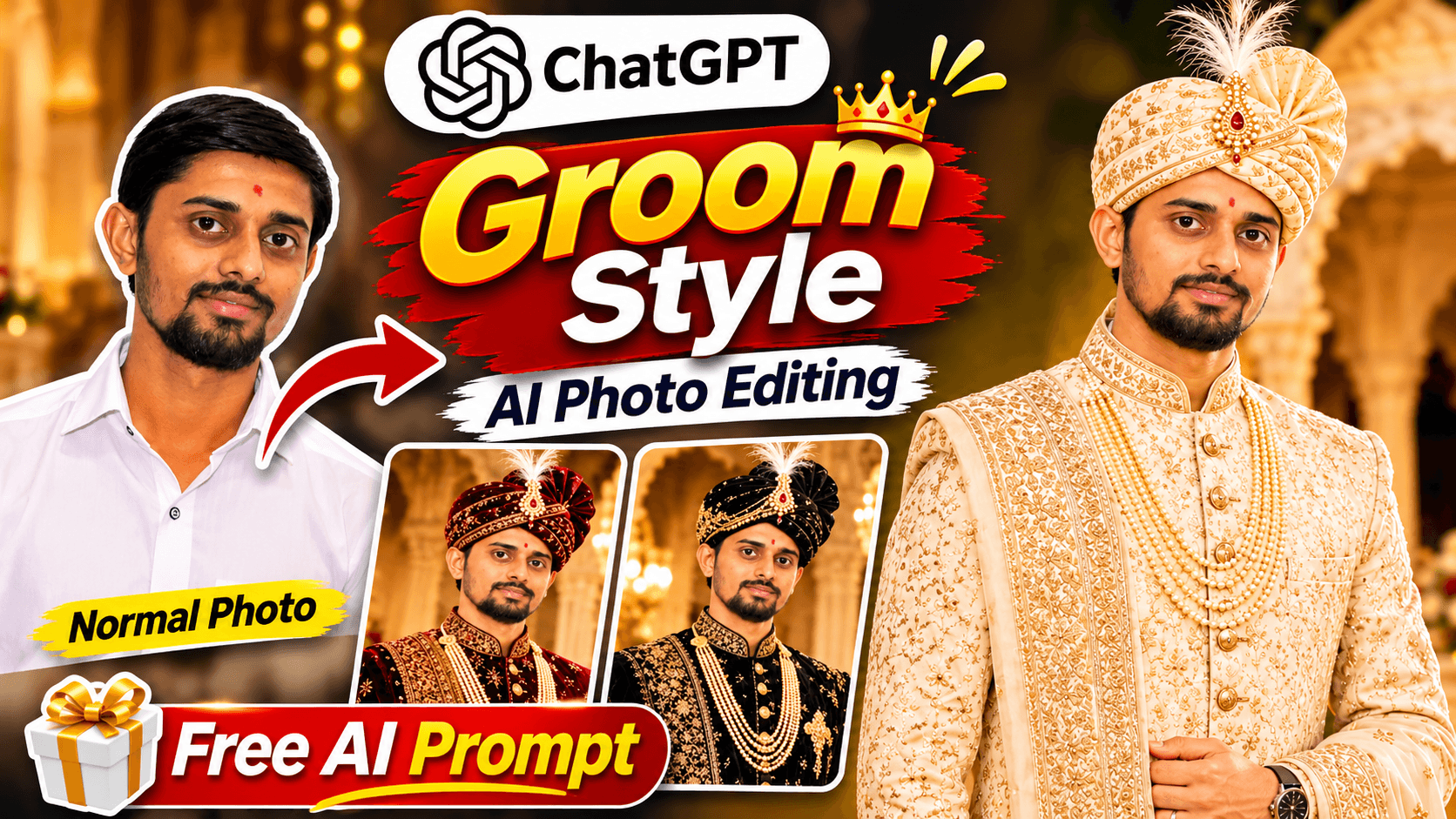
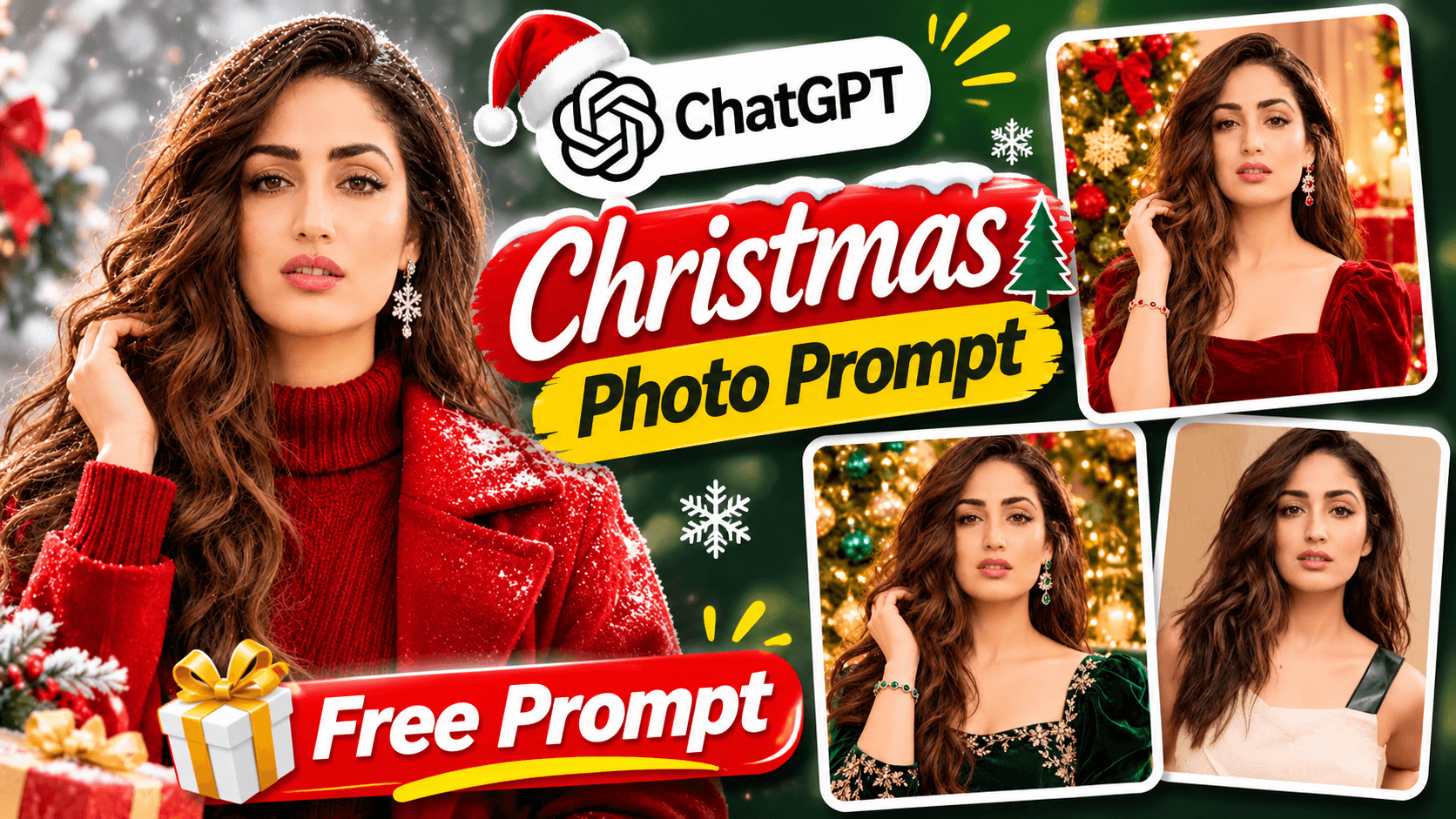
Try this free LinkedIn profile photo AI prompt with your own photograph and create a polished professional headshot!